Reports
The numbers your leadership asks for, without a spreadsheet.
How many came in, how far they got, how long it took and who did the work. Filter by role or client, compare with the previous period, export the rows.
- Funnel
- by stage group, any range
- Time to hire
- median, per role
- Sources
- quality, not just volume
- CSV
- of any table, formula-safe
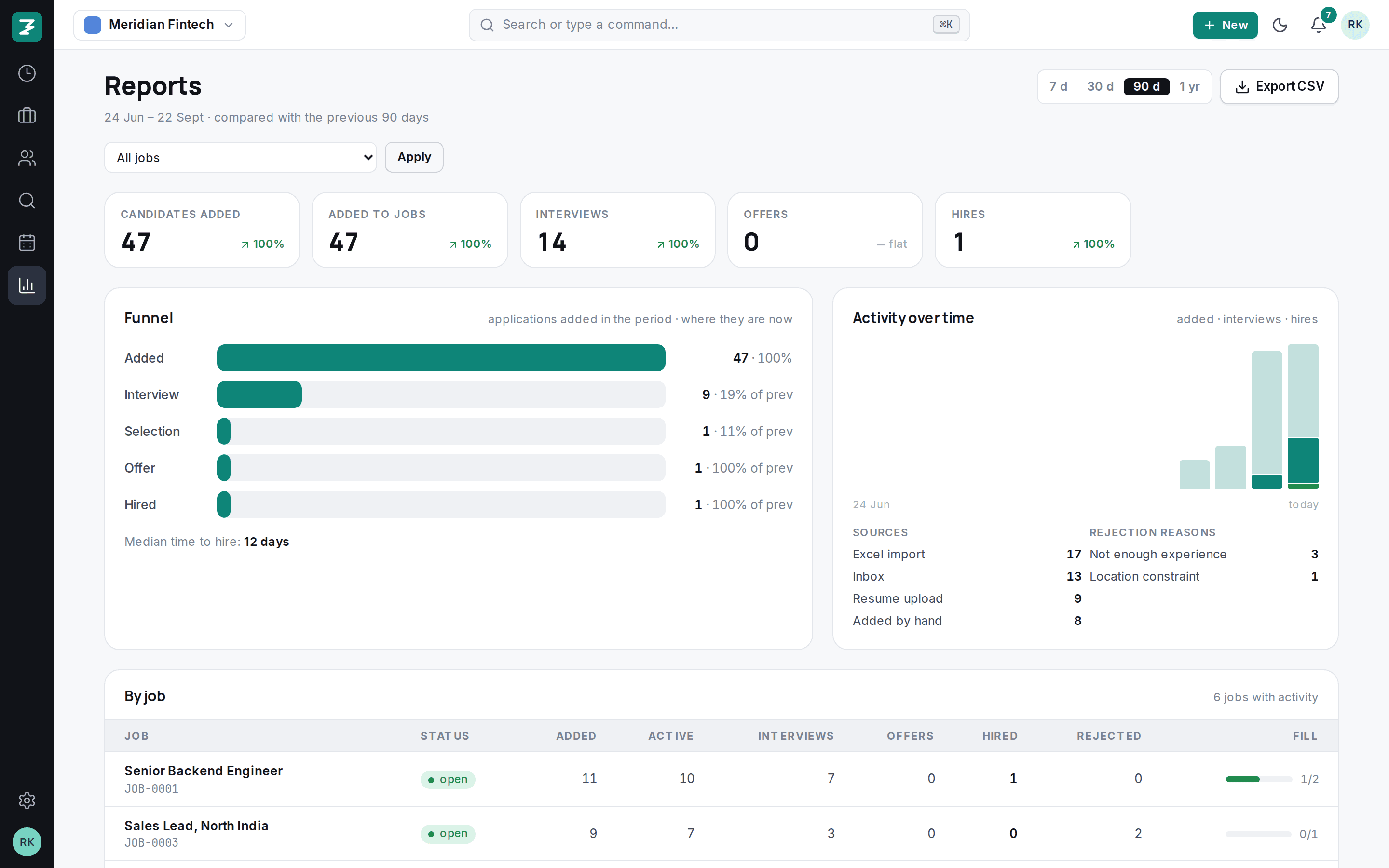
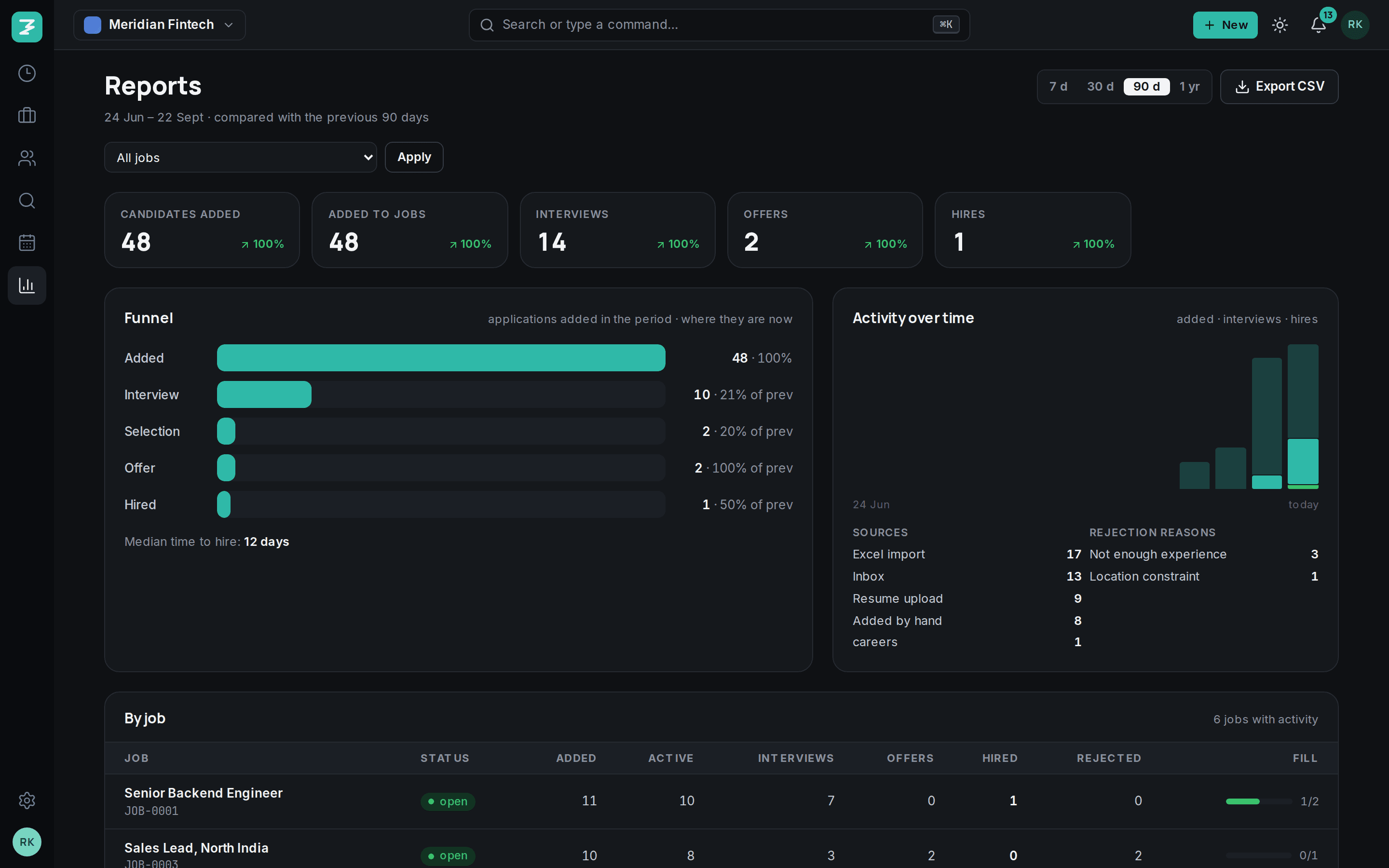
- 1KPIs against the previous period
- 2Funnel by stage group
- 3Activity trend
Funnel and time to hire.
Applications added in the period and where they are now, with conversion between stages and the median days from added to joined.
- Compare with the previous 7, 30, 90 or 365 days
- Small bases shown as counts, not inflated percentages; “new” when it started from zero
- Filter by role or by client
- Rejection reasons, ranked
Sources that work, recruiters who deliver.
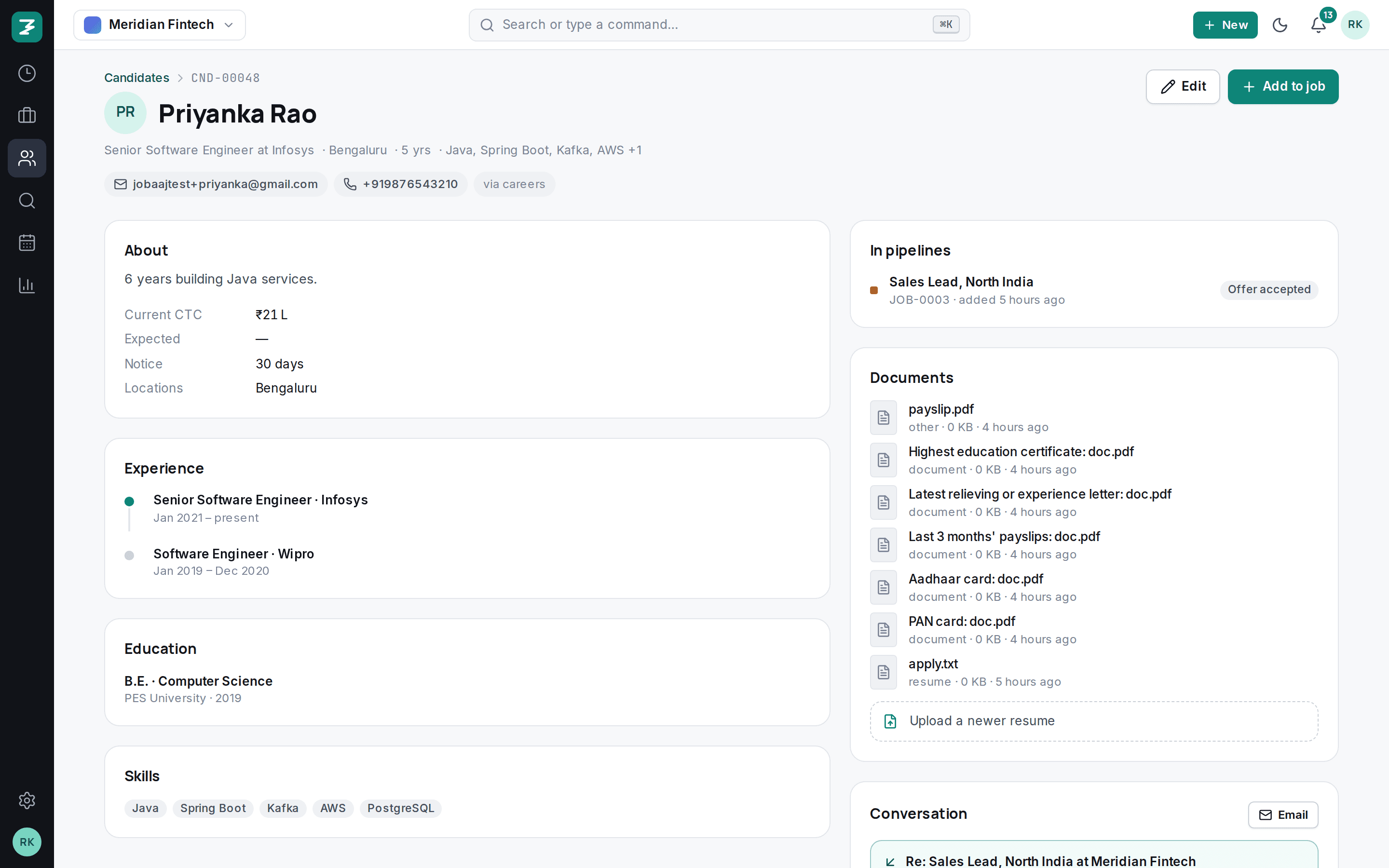
Candidates by source, so you know which job board or agency to keep paying. Per recruiter: candidates added, stage moves, interviews set and hires.
CSV of anything.
Applications, candidates or interviews for any period, with every field, ready for the finance sheet or the board deck.
Also in reports
- Role health
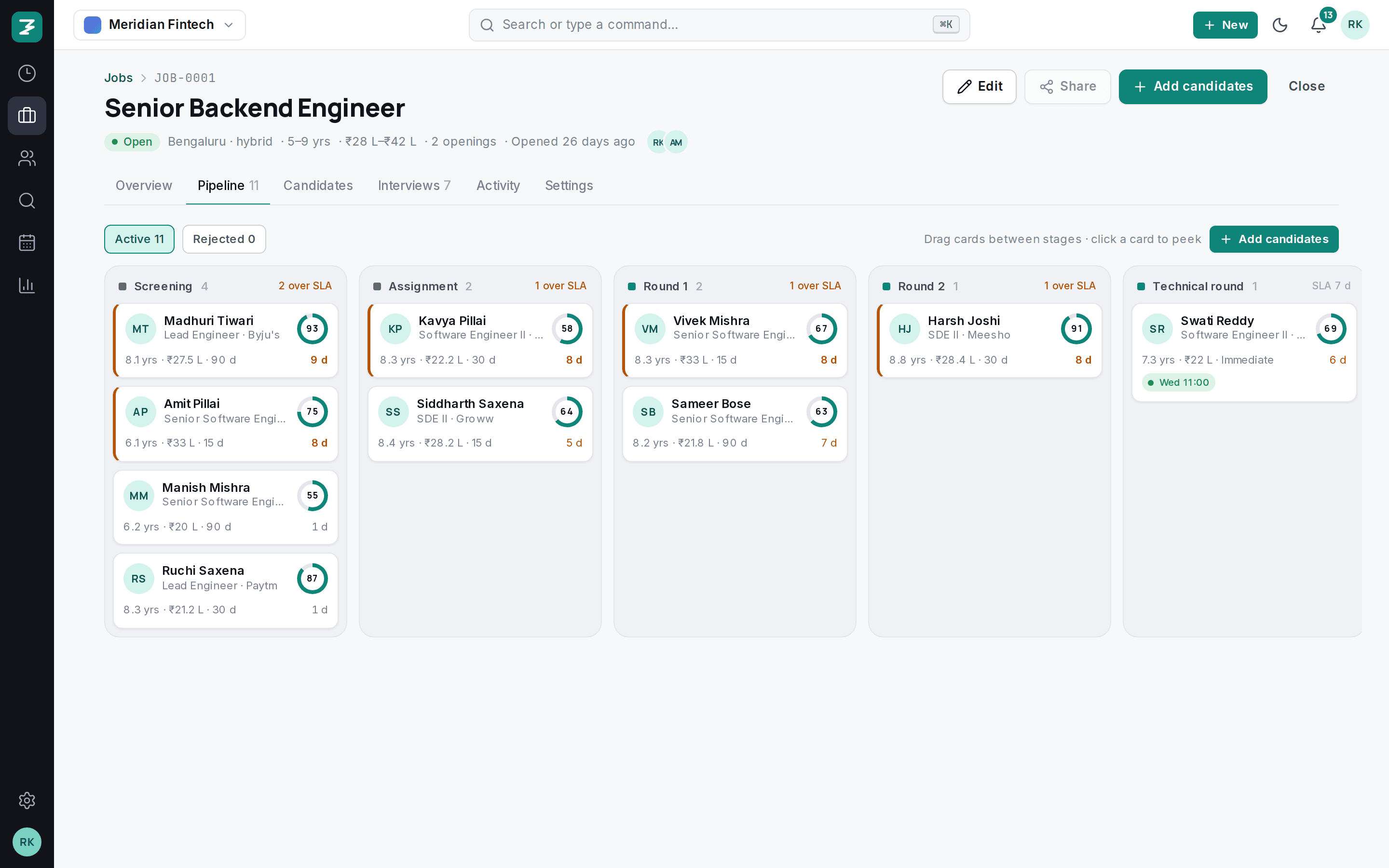
- Every open role shows on Today as on track, offer stage, stalled or empty.
- Weekly digest
- A Monday email to owners with last week's numbers. Growth and above.
- Monthly usage
- On the 1st, what your team used against the plan.
- Audit log
- Every change with who, when and from where, for compliance reviews.
- Client view
- For consultancies: shared candidates and feedback per client.
- API
- Pull the same numbers into your BI tool on Scale.
Questions
Can I schedule reports?+
Owners get the weekly digest by email on Growth and above. Scheduled custom reports are on the roadmap.
Is data exportable in bulk?+
Yes, at any time, from Reports or from Settings. Your data is never locked in.
Set up in an afternoon. Hire from tomorrow.
Import your candidates, invite the team, post a role. Fourteen days free, every feature, no card.