Pipeline
One board per role. Nothing falls between stages.
Your stages, your SLAs, your team. Move people with a drag or a key and see time-in-stage before it becomes a problem.
- 12
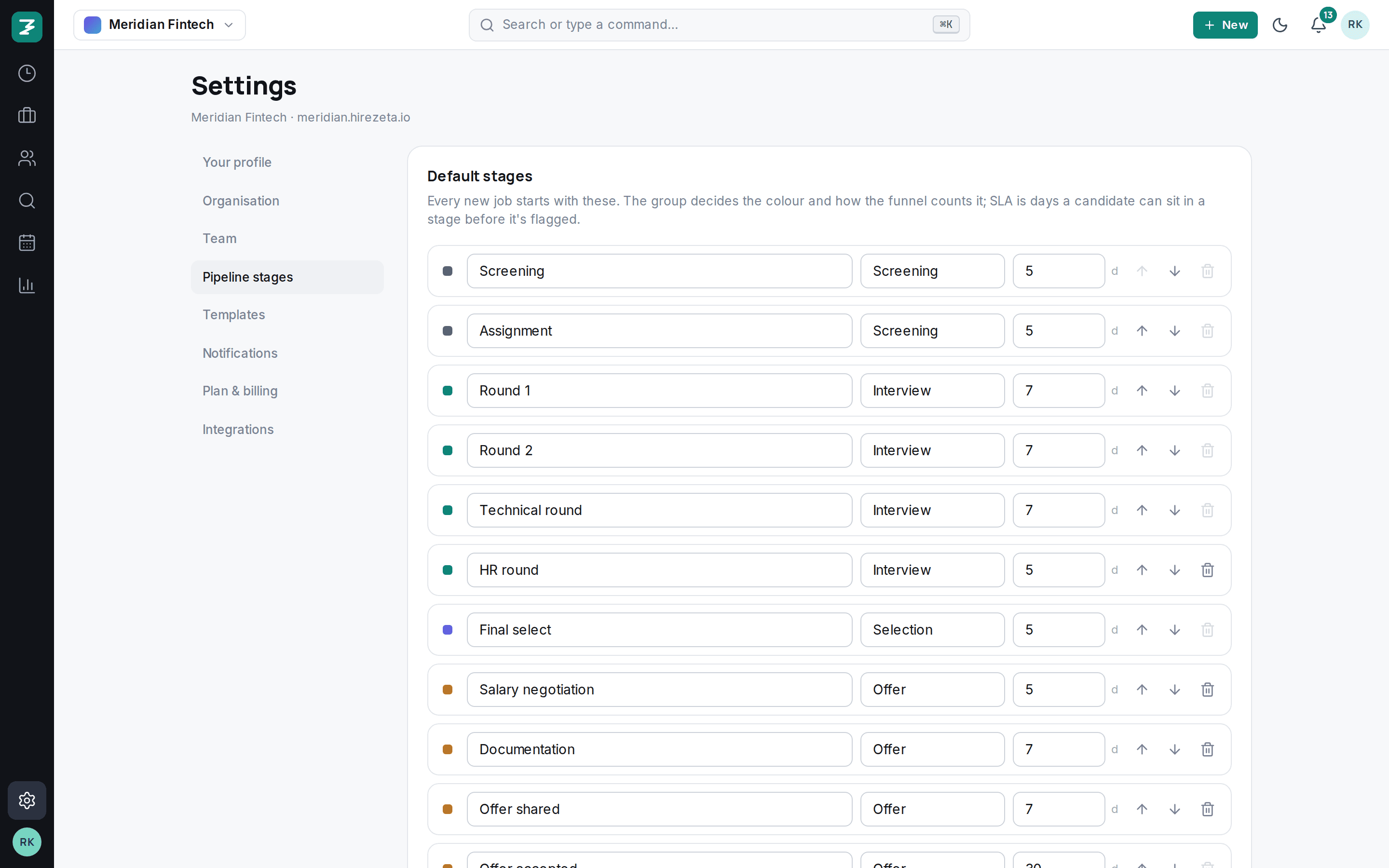
- default stages, editable
- SLA
- in days, per stage
- J / K
- keyboard moves
- 1 click
- peek without leaving
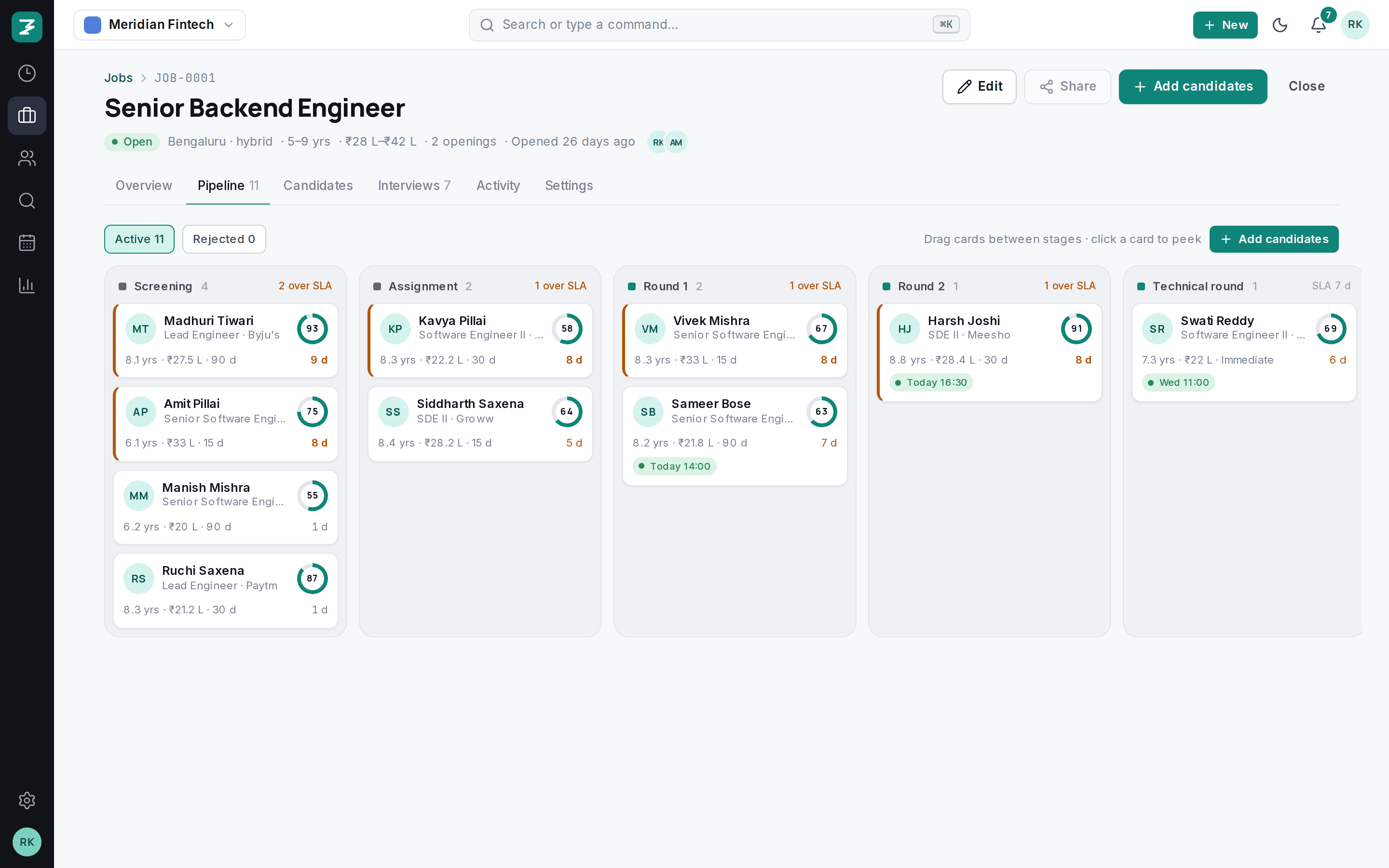
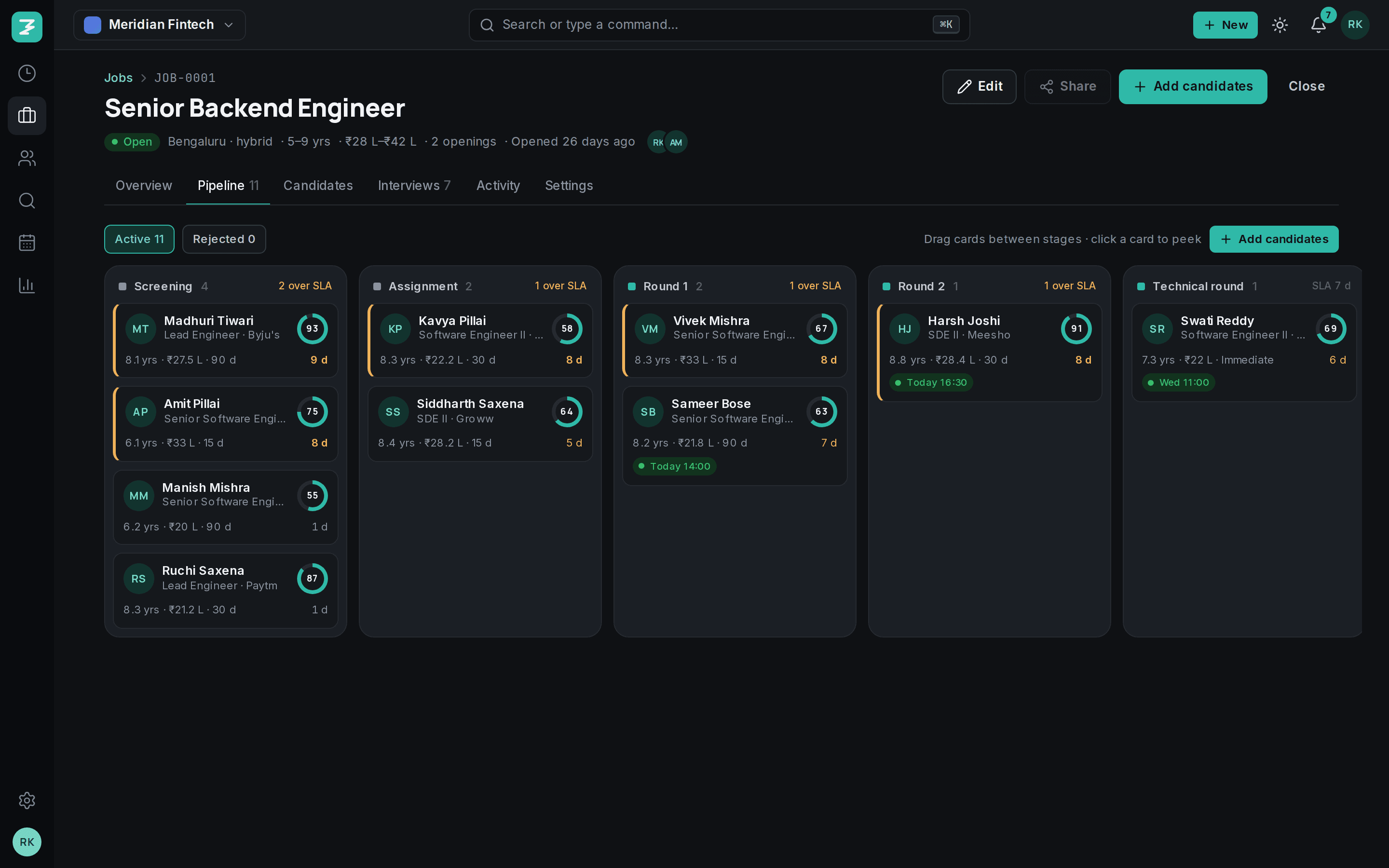
- 1Match score on every card
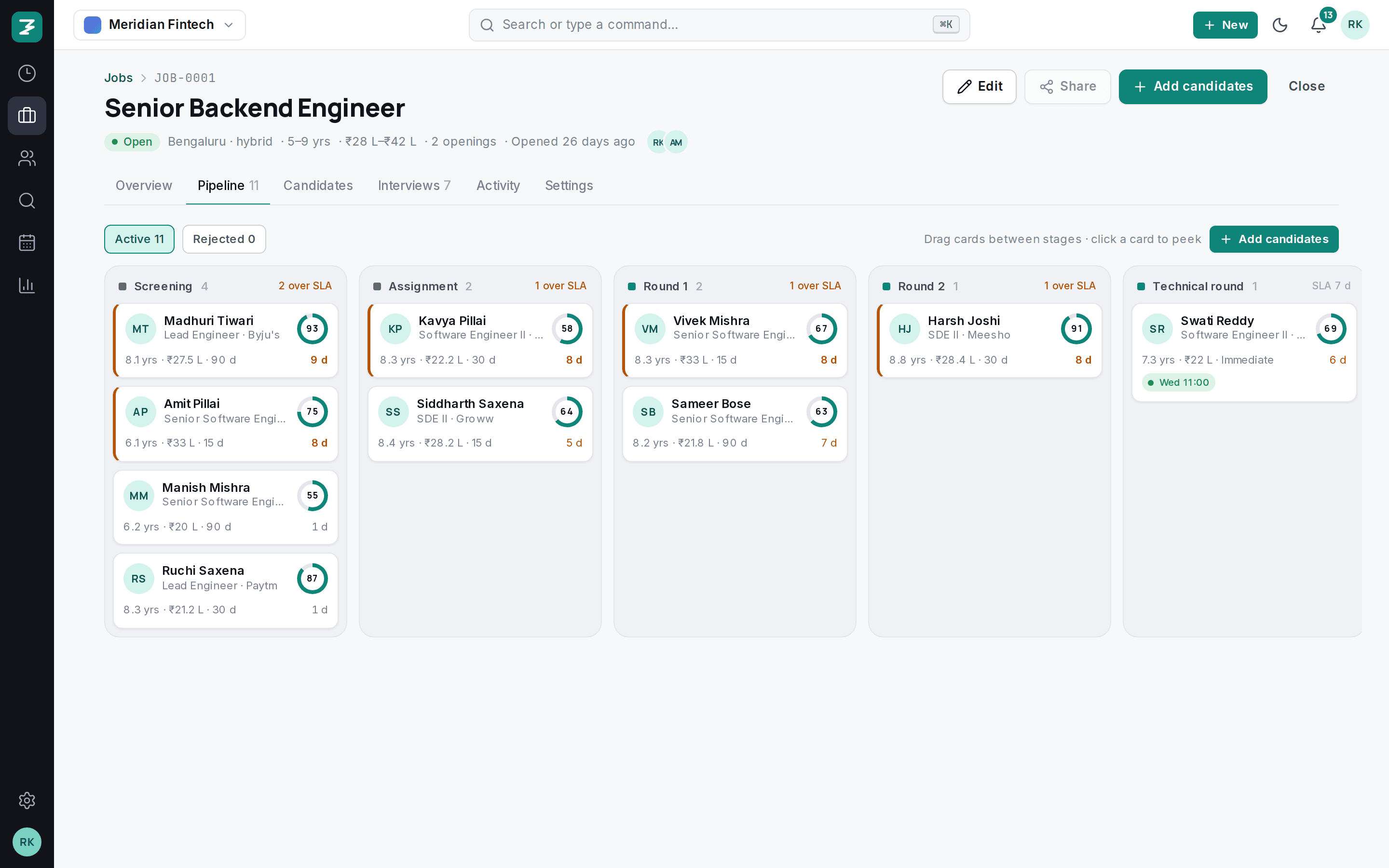
- 2SLA per stage, overdue count in red
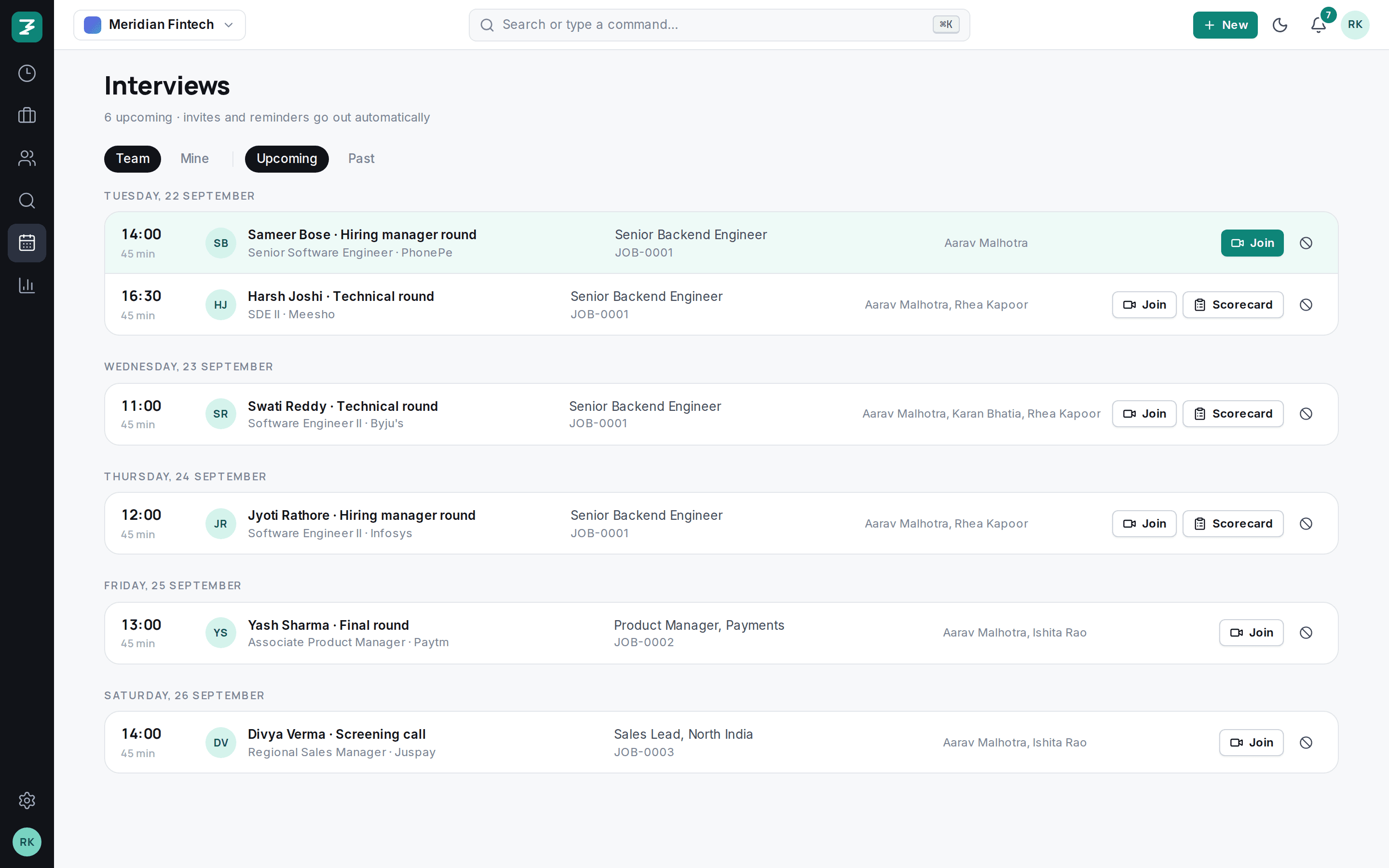
- 3Interview booked, shown on the card
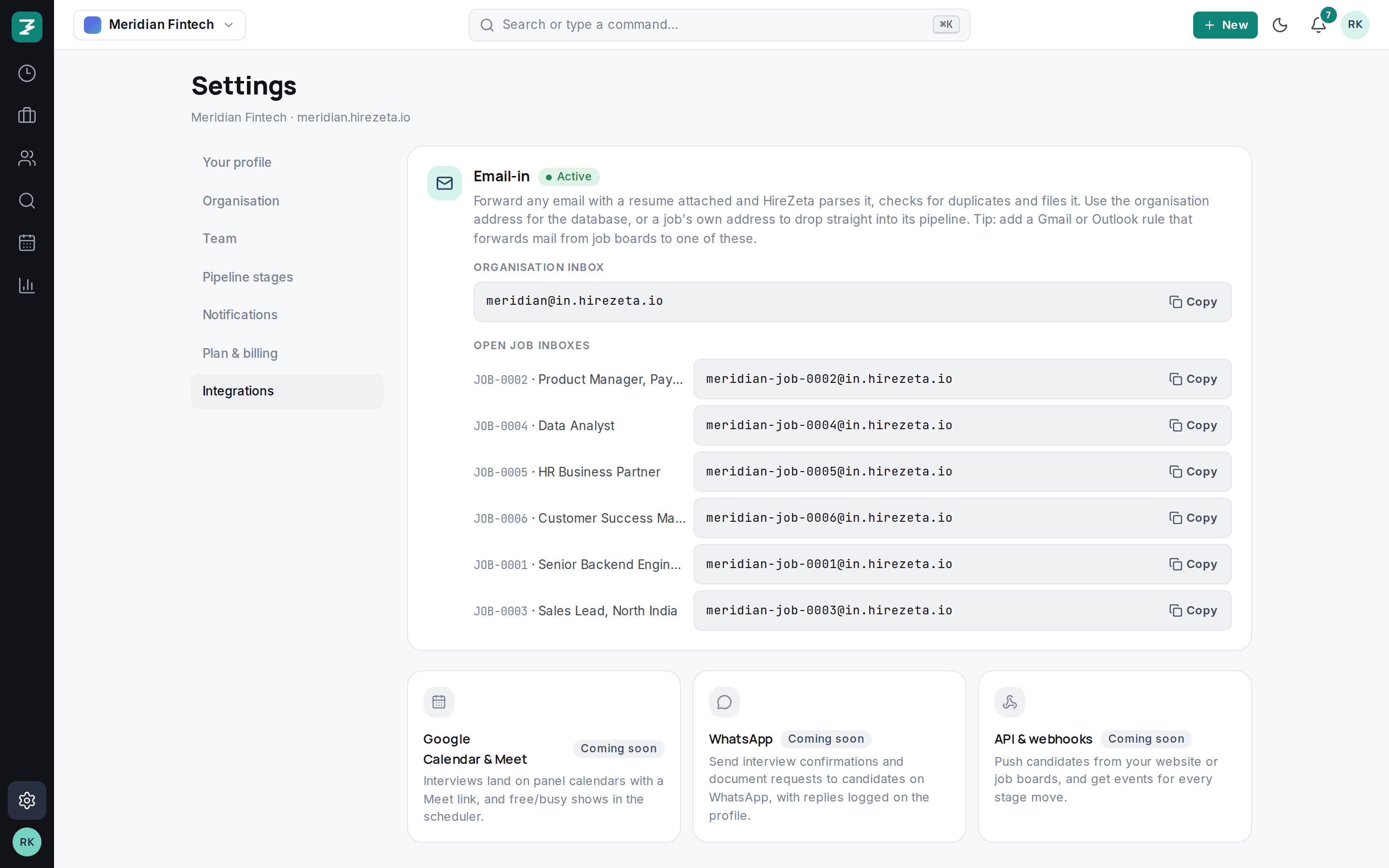
- 4Add from search, import or email-in
Stages that match how you actually hire.
Start from the default twelve-stage template or build your own per department: screening, assignment, rounds, offer, joined. Each stage can carry an SLA in days.
- Templates per department on Growth and above
- Terminal stages mark the candidate as joined
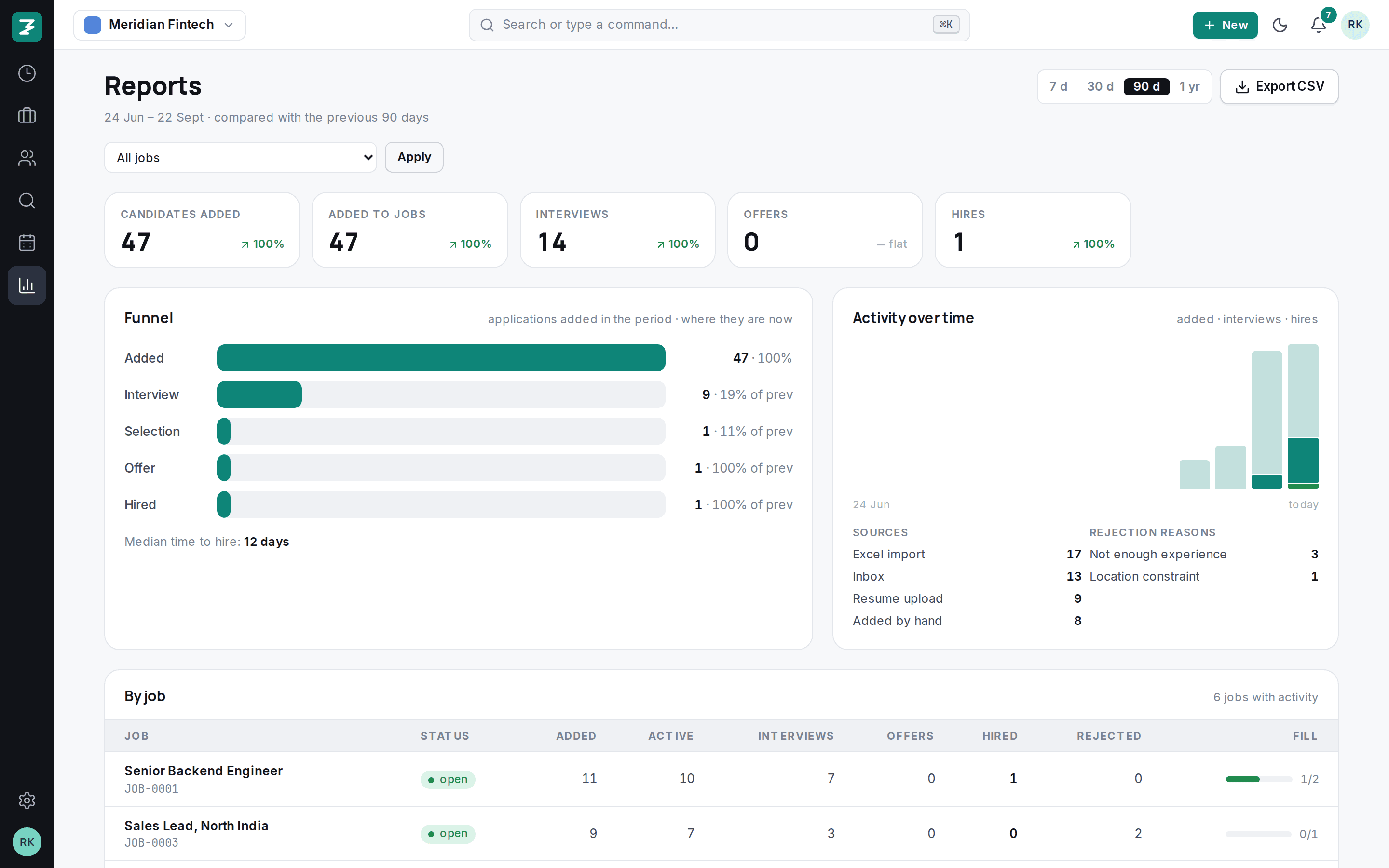
- Rejections keep the reason, so reports can show why
The card tells you what to do next.
Match score against the role, years, CTC and notice at a glance. A red day-count means the SLA is breached. A green pill means an interview is booked.
Peek without leaving the board.
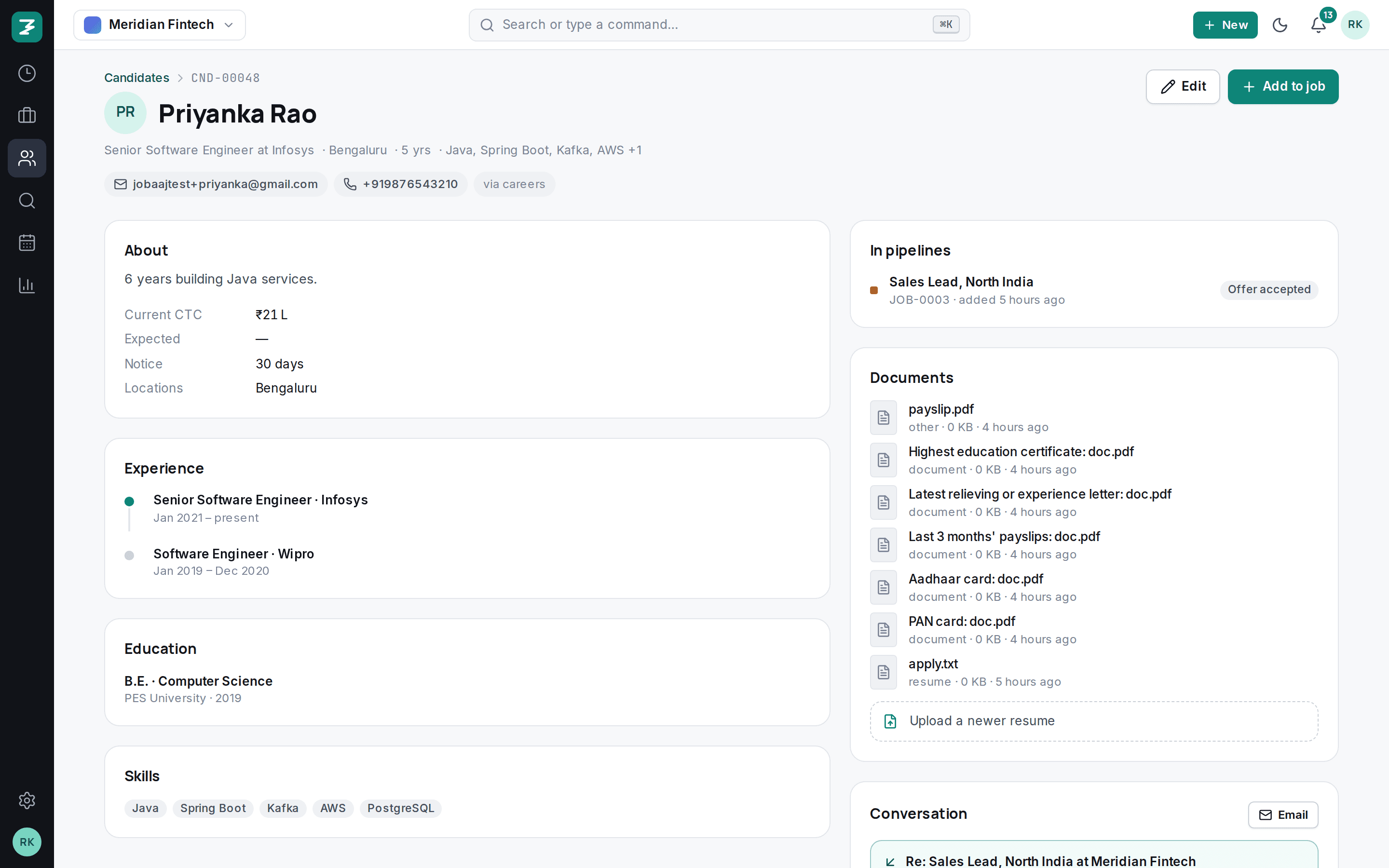
Click a card and the full profile opens beside the board: resume, timeline, notes, activity, and the buttons to move, reject, share or schedule. Close it and you are exactly where you were.
- Keyboard shortcuts for move and reject
- Activity log on every application
- Share to a client or hiring manager with one click
Also in the pipeline
- SLA warnings on Today
- Breached candidates and stalled roles show up on the Today screen for everyone on the role.
- Bulk add
- Add candidates from search, from an import, or from an email-in address straight into the first stage.
- Rejected lane
- Rejected candidates stay one click away with their reason, and can be restored.
- Match scores
- Skills, experience and location overlap against the role, computed when a candidate is added.
- Per-role inbox
- Every role has an email address. Forwarded resumes land in the first stage, parsed.
- Audit trail
- Who moved whom, when, with any remark, kept forever.
Questions
Can each role have different stages?+
Yes. Roles inherit a template, and Growth and Scale let you keep several templates, one per department or client.
What happens when an SLA is breached?+
The card shows the overdue days in red, the role's health turns to “stalled” on Today, and the people assigned to the role are notified.
Can hiring managers move candidates?+
By default they score and comment. Owners can give them the recruiter role if you want them to move candidates too.
Set up in an afternoon. Hire from tomorrow.
Import your candidates, invite the team, post a role. Fourteen days free, every feature, no card.